By MakeupMania.pro editorial · Source review 2026-10-12
The linked player brush guide describes mirror mode, undo and brush adjustments. This review checked that written source and the YouTube video metadata; it did not pause or inspect gameplay footage or operate the game client. Exact icons, locations and behavior remain unverified.
Tools players name
Use these as search words inside the client, then trust the label you see over this list.
- Brush and size: freehand paint. Players start large for base color and switch small for liner and brows.
- Color wheel: pick a shade, then paint. There is no official palette tied to a theme name.
- Layers: later strokes sit on top. If a blush disappears, players undo rather than painting a new skin tone over it.
- Mirror mode: copies one side of the face to the other. Turn it off when you want heterochromia or a single winged liner.
- Undo and clear: find them before the timer feels short. Player guides put them near the brush, not in the Roblox menu.
- Drawing assist: an earlier research note mentions region-constrained paint, but the current linked guide does not establish that control. Treat it as unverified.
What I will not call a control
Some pages on the web describe a three-star eyebrow grade and a customer brief. That does not match the official description, which only mentions themed rounds and voting. I am not repeating those mechanics.
“Clusters” shows up in search notes as a way players group lashes or freckles. It is not a documented scoring system.
A practical order
Suggested order from the linked player guide: turn mirror on, block the base, rotate the head before liner, then switch mirror off for asymmetric paint. This is guidance rather than an in-client test. The current official description does not explain the brow stamp mentioned in older third-party title logs.
Watch a round
Loading this video connects to YouTube (Google) and shares your IP address and browser information. Choose Load YouTube video to consent to this player. You can withdraw consent in Cookie settings.
Questions people ask
Where is the mirror button?
Player guides place Mirror Mode next to undo on the paint tools. The exact icon is not in a Roblox help article.
Can I paint only one eye?
Player guides describe turning mirror mode off for asymmetric makeup. That does not verify separate iris-color controls or the heterochromia feature.
Does the game publish keybinds?
No keyboard list was on the Roblox help center or the experience description on 12 October 2026.
Sources checked 2026-10-12
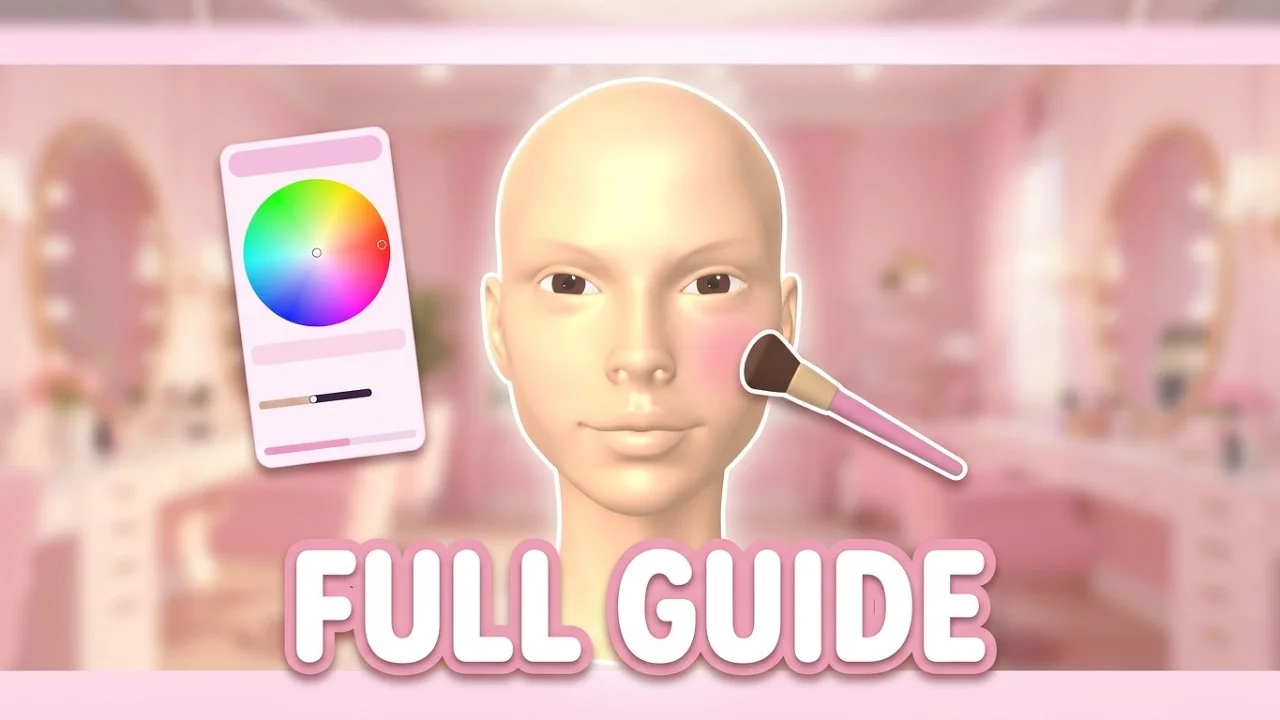
- Controls video — Further viewing. The local image is its YouTube thumbnail, not a tool-panel frame.
- Player brush notes — Mirror, undo, and drawing assist described as player observations.