By MakeupMania.pro editorial · Source review 2026-11-22
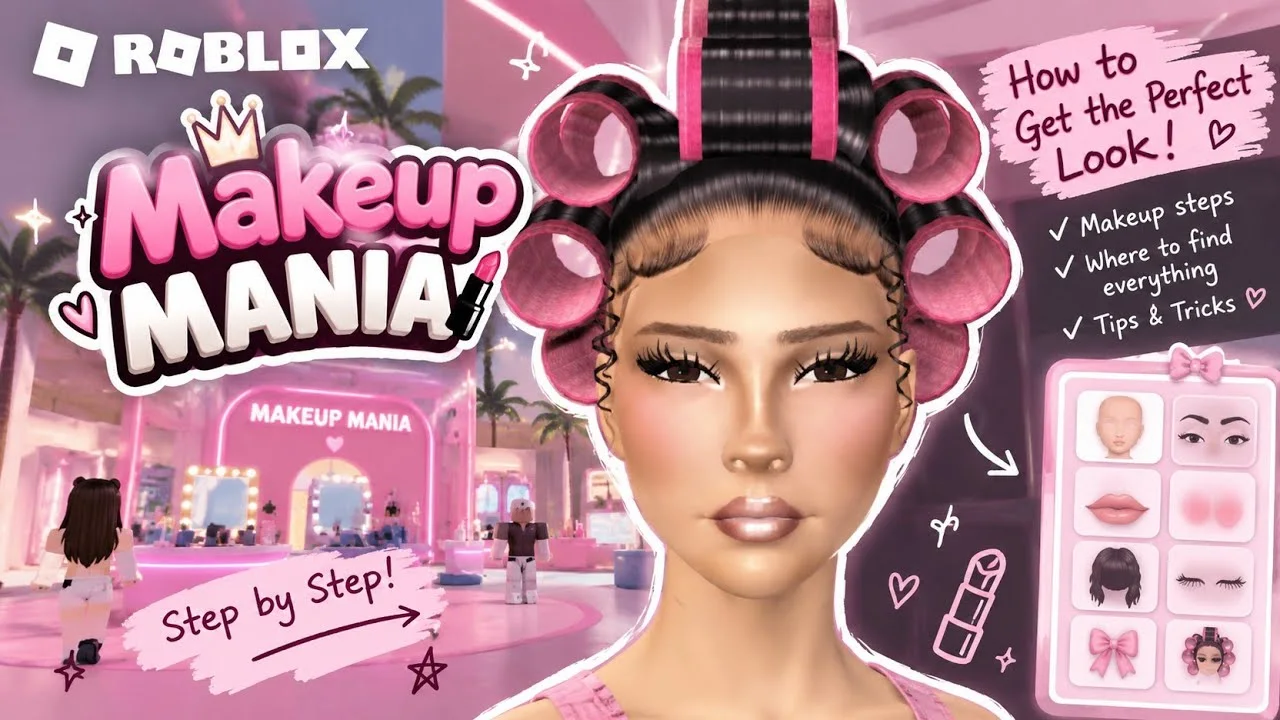
Lashes are 3D accessories
Player guides describe lashes as wearable avatar items inside a style panel, sometimes called Style Studio. You search, try one on, and drag it. An older listing title, [LASH TECH UPDATE], showed up in player update logs around 10 October 2026. The developer did not publish a changelog for that rename.
No current game-specific lash catalog was verified, so this page does not rank individual lash items.
How to place them
This sequence is summarized from the linked English player guide, not an official manual. Use the labels visible in your current client.
- Look for Style Studio. The linked player guide reports Hair, Lashes and Face Extras tabs alongside a search box.
- Search lashes or select the Lashes tab. Compare a natural, clustered and denser shape if those options are available.
- The guide calls the fit controls Adjust Fit: Bigger/Smaller, Left/Right, Up/Down and depth. Nudge one setting at a time to align the band with the lid.
- Turn the head. If the lash floats, scale down before you add liner.
- Player notes say a brow accessory can knock the lashes off. Re-equip lashes after brows if that happens.
Which pair to pick
For a clean or daylight theme, players keep the lash shorter than the eye width. For goth or runway, they size up and accept that liner has to be darker so the lash does not look stuck on. I am not publishing a single “best” asset id, because I could not verify the catalog on 22 November 2026.
Hair, the second hair slot, and removing hair or lashes
Hair sits in the same Style Studio panel as lashes, under its own Hair tab. One hairstyle is free to wear. The official game-pass API lists a Second Hair Slot pass at 99 Robux that lets you wear or layer a second hairstyle, and the 399 Robux VIP pass includes that slot, so VIP owners do not need both.
To take a lash or hair item off, the linked player guide points to the Adjust Fit panel rather than the makeup tools. This is a player report, not an official manual:
- Open Style Studio from the Lashes or Hair button on the left toolbar.
- Open Adjust Fit. It acts on the item named at the top of the panel.
- Press the remove control. Player recordings show the label as Remove Hair on 10 October and Remove Item or Remove Face Item on 12 October 2026, so read the button in your own build.
- Wipe in the tool row clears painted makeup. Player recordings do not show it removing a 3D lash or hair item.
- Lash clusters placed in Lash Tech Mode are reported to have their own Remove control inside that mode.
Watch a round
Loading this video connects to YouTube (Google) and shares your IP address and browser information. Choose Load YouTube video to consent to this player. You can withdraw consent in Cookie settings.
Questions people ask
What eye lashes should I use in Makeup Mania?
Search lashes in the style catalog and pick a set you can align with Scale and Position. There is no official best-lash list.
Can I draw lashes with the brush?
You can draw liner. The 3D lash items are separate and are equipped, not painted.
How do I remove hair or lashes in Makeup Mania?
Player guides say to open Style Studio, open Adjust Fit for the item, and press its remove control (labelled Remove Hair, Remove Item or Remove Face Item depending on the build). Wipe clears painted makeup only.
How do I wear two hairstyles?
Buy the Second Hair Slot pass (99 Robux) or VIP (399 Robux), which includes it. Prices are from the official game-pass API on 22 November 2026.
Did a lash tech update add this?
Player logs record a listing rename to [LASH TECH UPDATE], then [HETEROCHROMIA]; on 22 November 2026 the listing read Makeup Mania! [ORIGINAL]. Roblox did not describe the patch.
Sources checked 2026-11-22
- Player hair and lashes guide — 3D accessory placement, the remove control and the brow-item conflict.
- Game passes API — Second Hair Slot 99 Robux; retrieved 2026-11-22.
- Tutorial video — Further viewing; upload metadata verified. No matching local thumbnail is available for an embed.